Improve your experience at OneClass
- Students
- Ask one question per post
- Properly write your question
- Like the answers
- Follow your favorite contributors
- Contributors
- Answering questions
- Complete your profile
- Answer your questions within a day
- Polish-up your docs page
If you are a student looking to increase the chances of getting answers quickly or if you're a contributor trying to get more likes/followers/revenue, keep reading to find out how to achieve exactly that.
This article provides a reference for both students and contributors wishing to get the most out of their experience at OneClass. We took feedback from some of our most active users, and we have summarized our insights in the list of recommendations below to save you time!
Students
We are aware being a student is hard but luckily you're not alone. At OneClass you can find different resources to help you succeed in your courses. We invite you to review Our products section to learn more. In the Homework Help section of our site, students ask their academic questions and the contributors will answer as many as they can.
Keep in mind these contributors are doing their best and it is not always possible for them to provide a fast answer. Nonetheless, there are a few things you can do to make their work easier and get the answers you need in less time.
Ask one question per post
Posting one question at a time increases the chances of it being answered. OneClass contributors are more likely to answer posts with only one question on them because:
- They are able to focus on a single question at a time
- They earn points faster for answering a question
- They only need to know the answer to one question
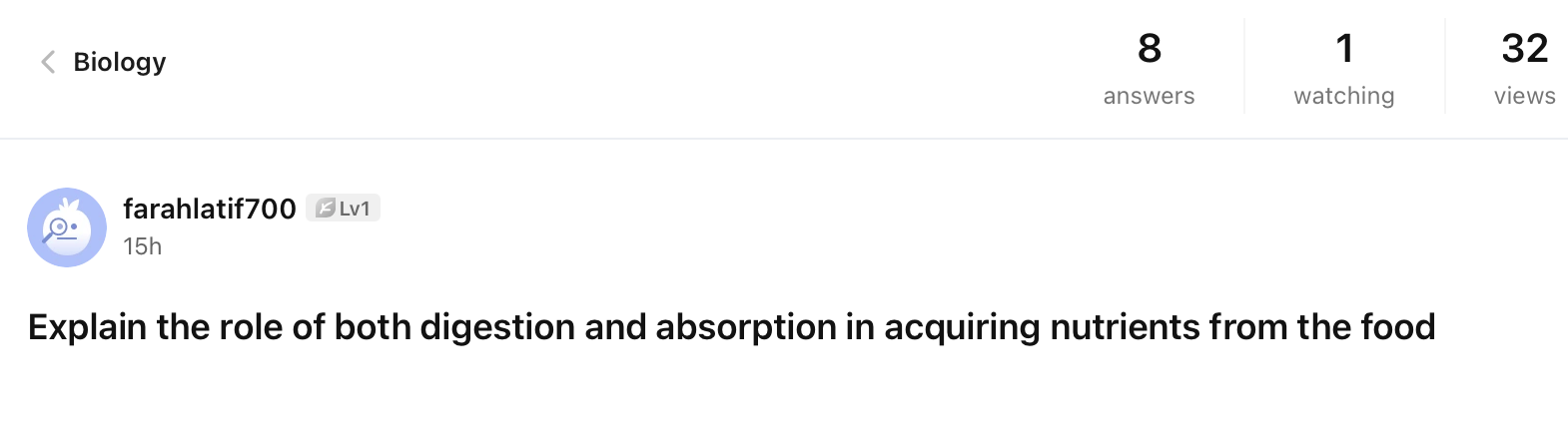
Take the following question as an example, where farahlatif700 received 8 answers in 15 hours.
Properly write your question
If your question cannot be understood, it is highly likely that you won't get anyone to answer it. Double-check your post before publishing it and make sure all the information needed for a solution is included –you can attach a file to include extra data or diagrams.
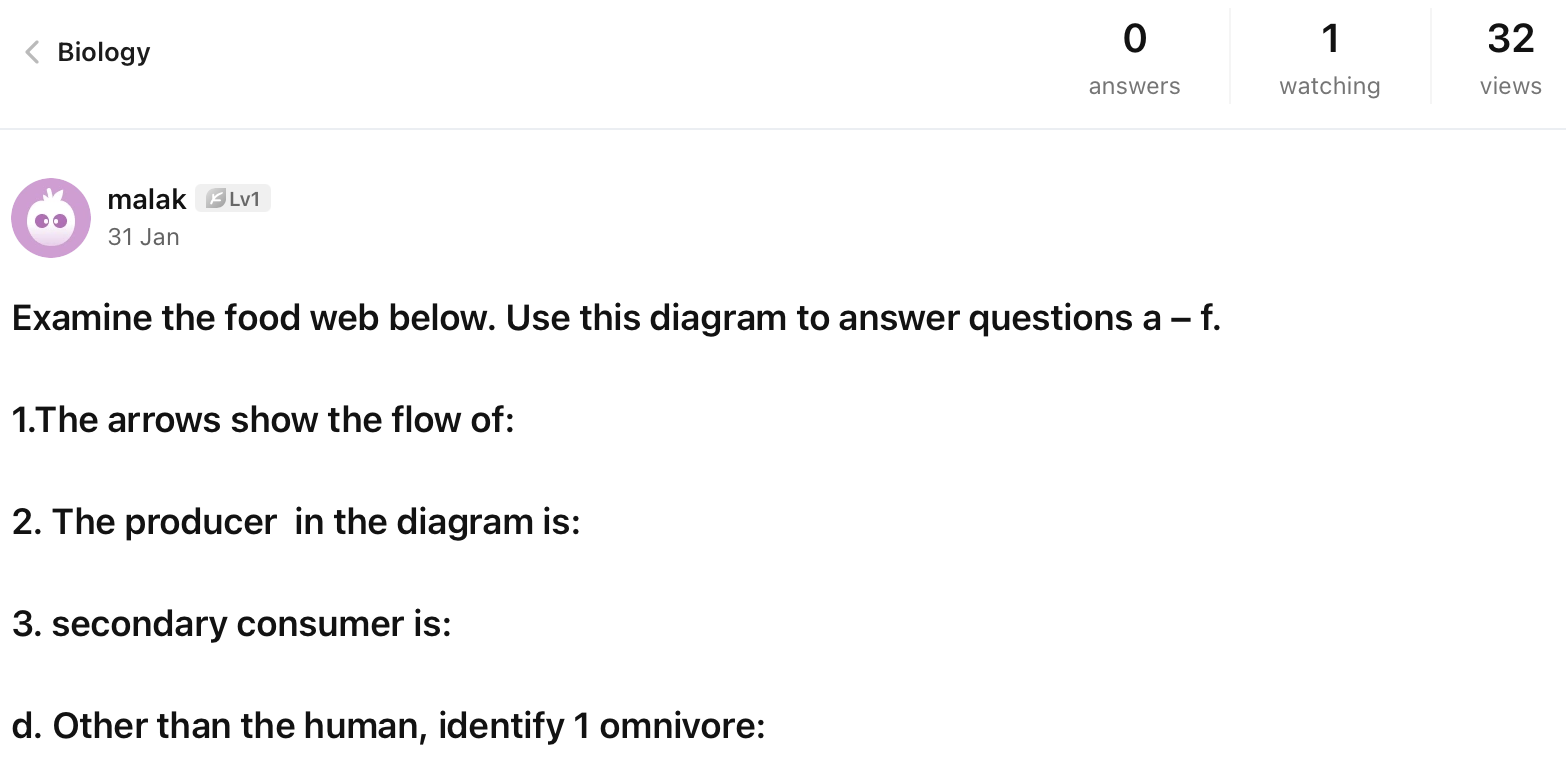
Take the following question as an example, where malak makes reference to a missing diagram and hasn't received any answer after 3 days.
Like the answers
Take a second to click like if and when you receive detailed and well-crafted answers. Contributors earn revenue based on subscriptions, which they earn when students access their content. A great way for students to know if a certain contributor provides quality answers is by how many likes their answers have received.
You can help other students by indicating which answers are good while also helping the contributors since they will start getting more visitors. If a contributor can rely on you to consistently rate their answers, it is more likely that you will get fast responses from them.
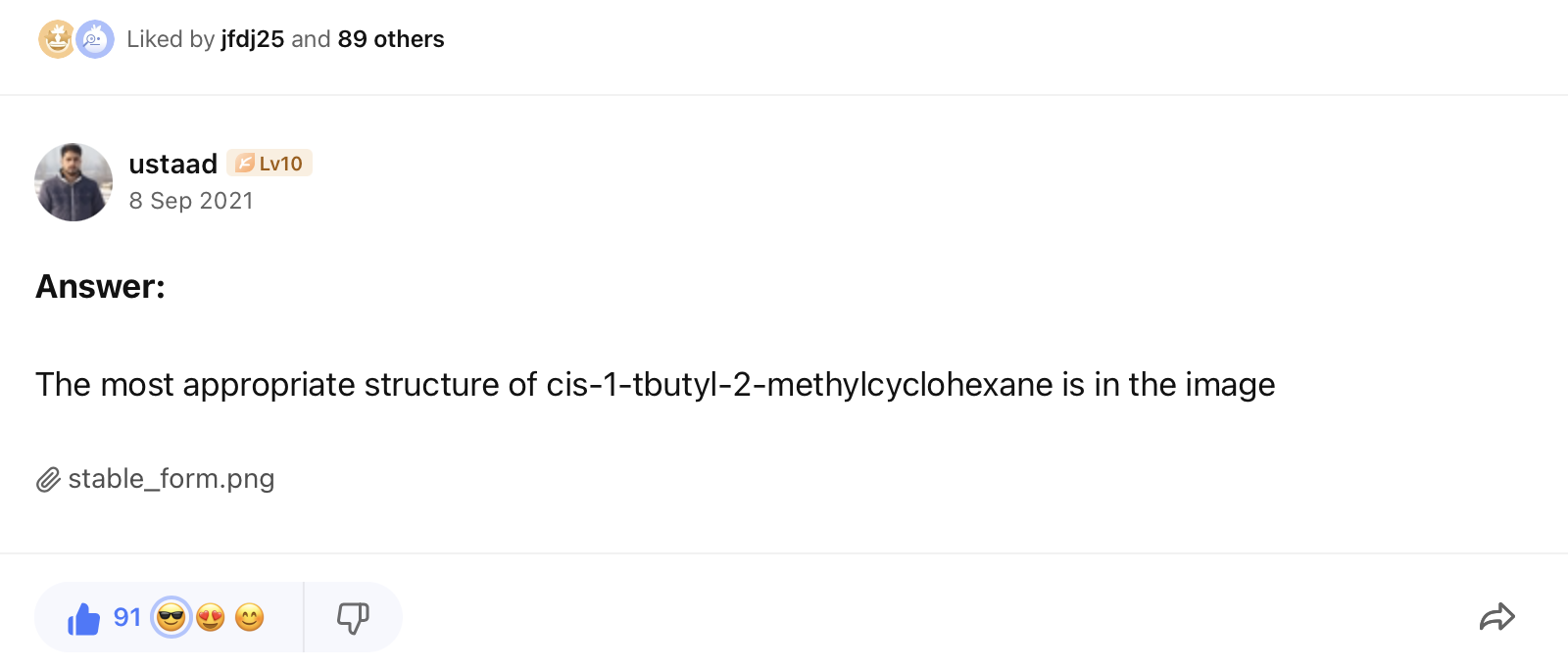
Take the following answer as an example, where ustaad provided an excellent solution and received 91 likes. Wow, his answer must have been really thorough and detailed!
Follow your favorite contributors
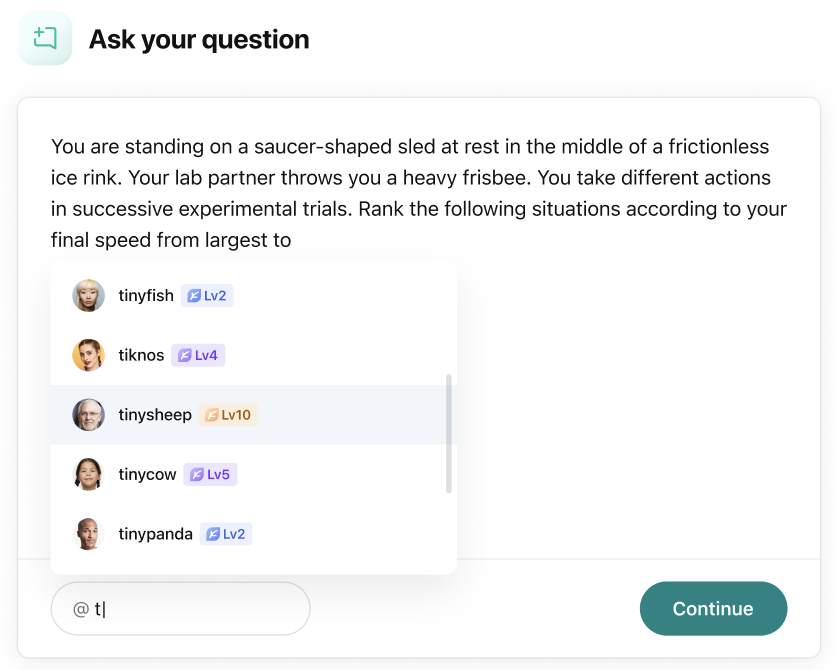
Keep those amazing contributors handy so you can ask them questions directly. When typing a question, you have the option to tag contributors if you are following them. By doing this, they will receive a special notification indicating that you need their help and they are more likely to answer when they are tagged.
Contributors
As someone who dedicates their time to helping struggling students, you deserve recognition and the best rewards. OneClass developed a Revenue sharing model for you to keep earning from your content instead of getting simply a one-time payment.
There are a few things you can do to attract more students to your content and gain more subscriptions. There are many types of documents with which you can contribute but when it comes to providing answers, the students ask their academic questions in whatever subject they need help with at the moment. In both cases, there are a few things you can do to create attractive content for the students.
Answering questions
Be clear about the process, steps, formulas, and final result of your answers. Remember that your audience is someone trying to learn a difficult subject for them. We suggest you review the Contributor guidelines for more tips on answering questions.
Students are more likely to follow you and subscribe to your content when you provide a full solution including all the steps to achieve the final answers.
Complete your profile
Having a personalized profile picture and a descriptive bio drive more students to your page and to your content. Students visit profile pages to learn about the people helping them because they want to know if you are trustworthy.
Contributors with completed profiles receive more followers and those with more followers are more likely to get subscribers. Here is an example of a descriptive profile page:

Answer your questions within a day
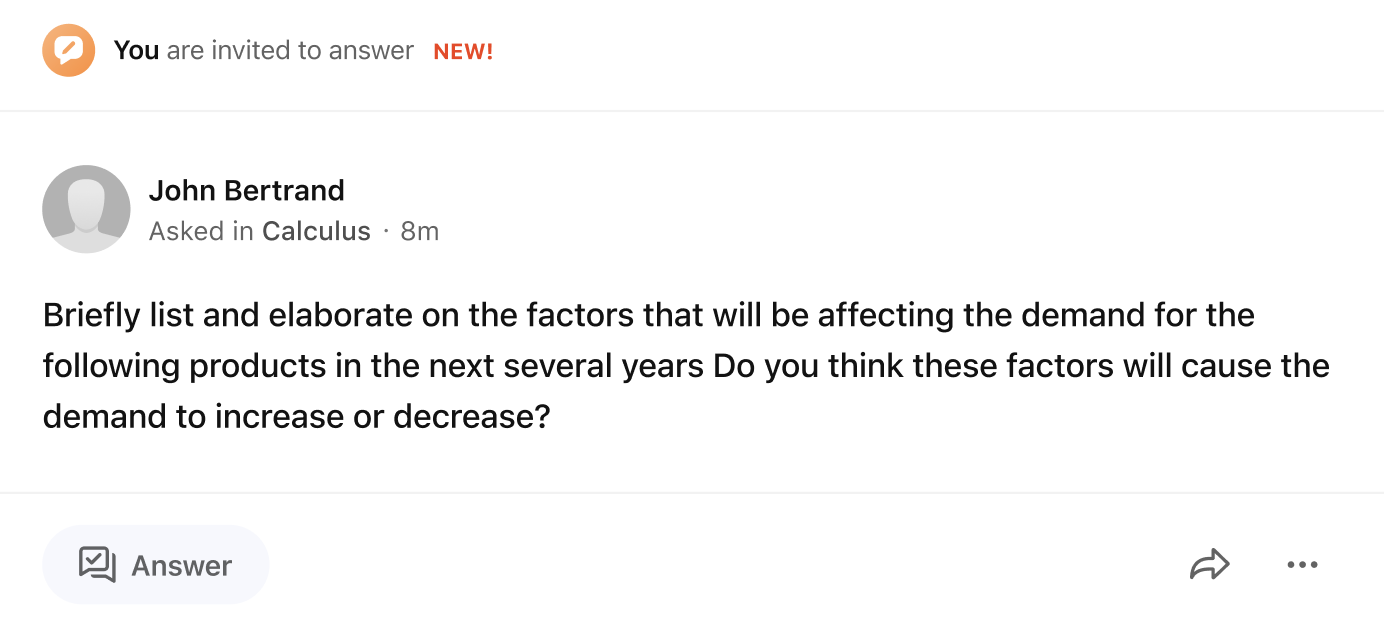
We recently launched a new Homework Help feature where students can tag you. This allows them to communicate with you and you'll get first dibs on answering their questions before other contributors.
When this happens you will see a tab at the top on the home page and every question with your tag will look like the example below. Put extra care into answering these questions since this student asked for you specifically to get one of your high-quality answers. Students who get an answer from the contributor they tagged are more likely to ask that contributor again.
Polish up your docs page
When you upload documents on OneClass, you definitely want more views, downloads, and subscribers. To get there, keep in mind visitors prefer to access a document if it comes with a concise file name.
You can attract more people to your documents page by following these two simple steps:
- Properly indicate the type of your documents: Lecture notes, Textbook notes, Exams, etc.
- Indicate the number on the series and the name of the file. For example:
- Lecture 1: Photosynthesis
- Chapter 3: Migration of birds
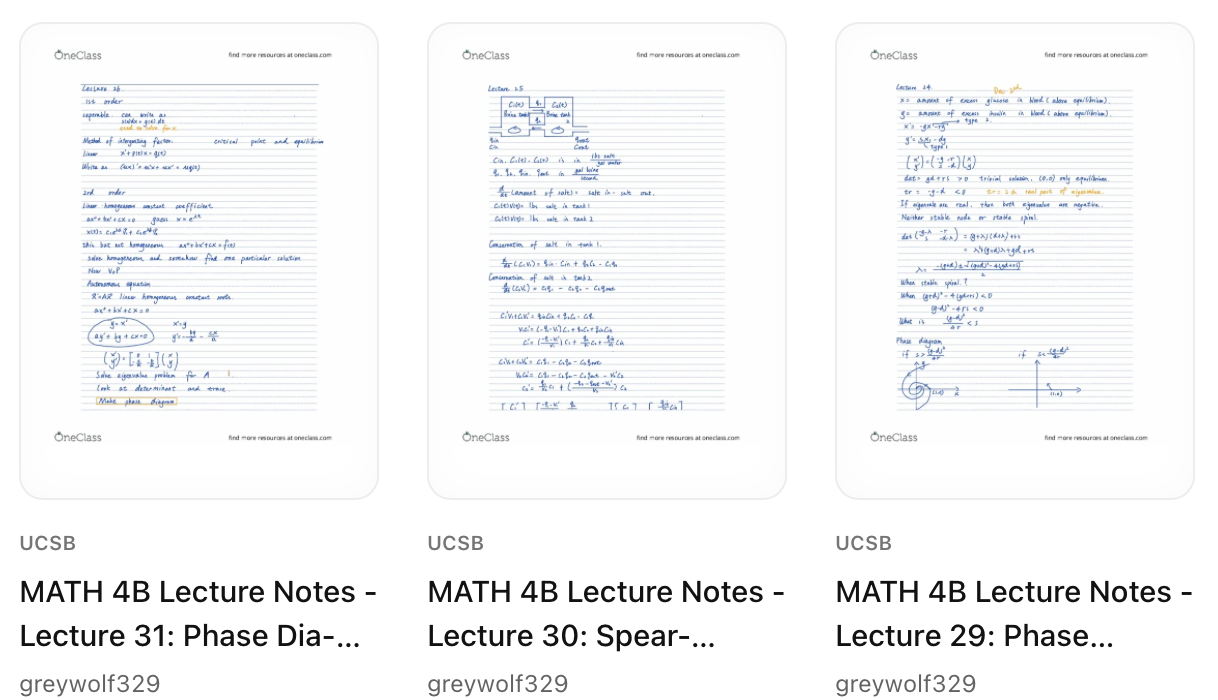
Take the following as an example, where greywolf329's documents indicate the university, the course name, the lecture number, and the lecture name.